Ext Ops Panel
Open the app
Chrome extension analytics

Everything that happened with your Chrome extensions today – at a glance

Ext Ops Panel is Chrome extension analytics for installs, uninstalls, reinstalls and feedback as events arrive. Start with one extension or keep an entire portfolio under control – no backend required.

No backend required Free for one extension Chrome · Web · PWA
PORTFOLIO OVERVIEW
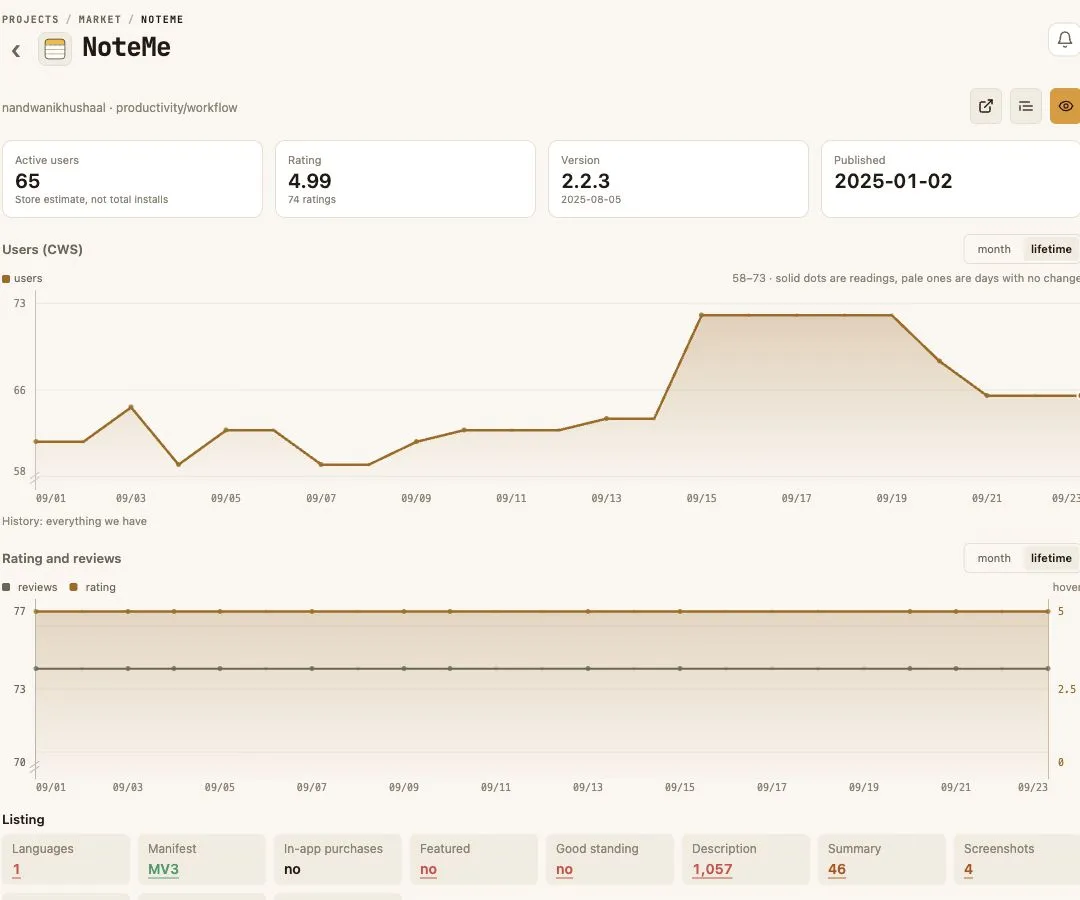
Fictitious Focus Notes Companion dashboard with install, uninstall, feedback and user trend metrics
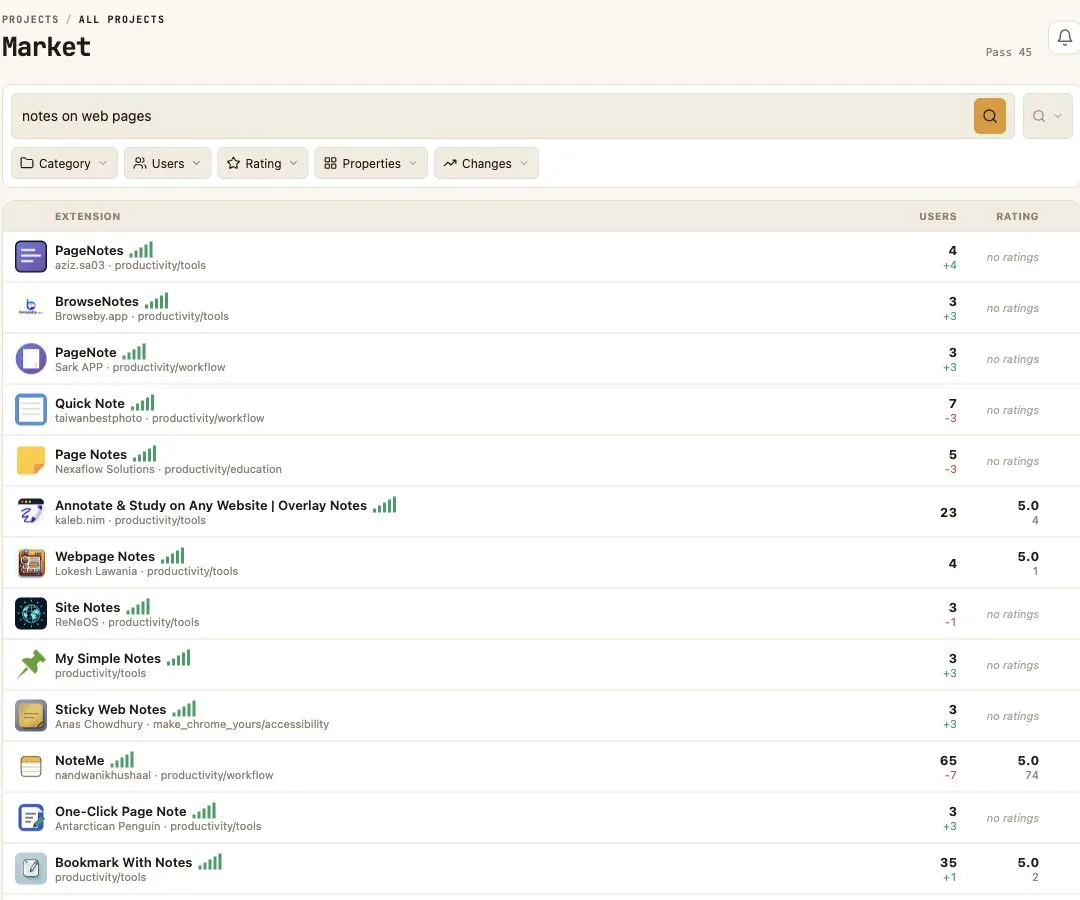
Fictitious portfolio dashboard showing today metrics and health across a mix of Chrome extensions and web services
Fictitious Tab Tidy Workspace dashboard with uninstall reasons and recent user feedback
The complete basic lifecycle

From first launch to uninstall reason without stitching tools together

The panel hosts lifecycle pages, counts events and connects statistics with user feedback.

Live statistics
01

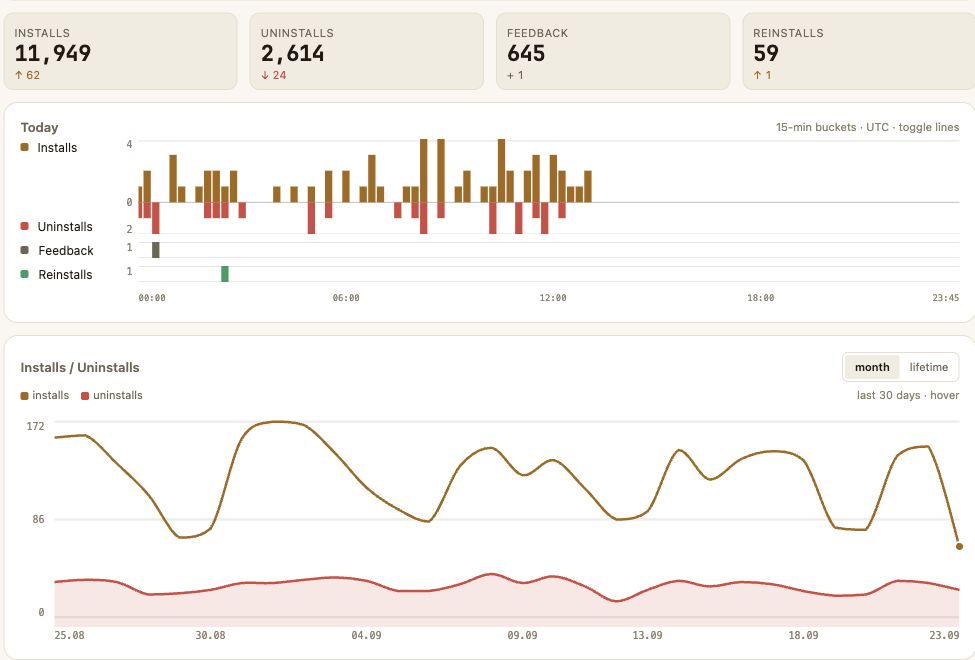
See every install and uninstall as it happens

First-party events build a clear history across extensions and sources.

Installs today+184
Uninstalls today−23
Reinstalls7
Hosted pages
02

Connect welcome and uninstall pages without hosting them

Configure both flows in the panel and add the generated links to your extension.

WWelcome pageReady
UUninstall pageReady
Feedback and win-back
03

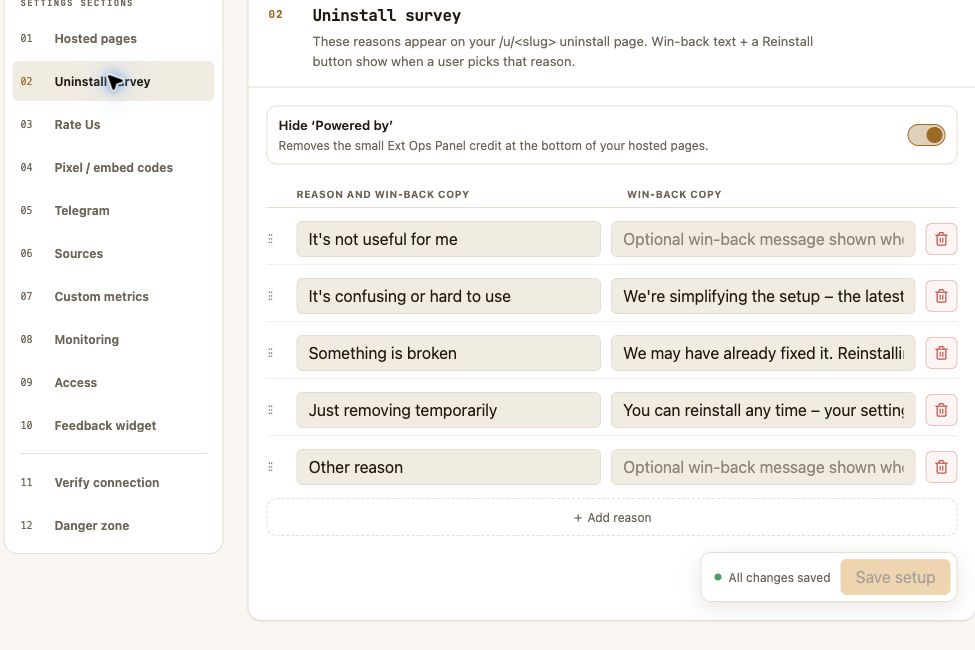
Learn why users leave – and give them a way back

Collect reasons, answer objections and offer a relevant next step.

31% · “Missing a feature”
Offer beta accessREINSTALL →
No backend required

Works even when your extension lives entirely in the browser

No hosting or page building: configure pages in the panel, add the generated links and hooks, then run Verify.

01

Add the extension ID

Name, icon, users and rating come from the Chrome Web Store.

02

Configure the pages

Choose the welcome flow, uninstall reasons, responses and win-back action.

03

Connect and watch

Add the generated links and hooks, run Verify and see statistics in the dashboard.

When basic analytics is not enough

Add your own metrics and monitoring to the same dashboard

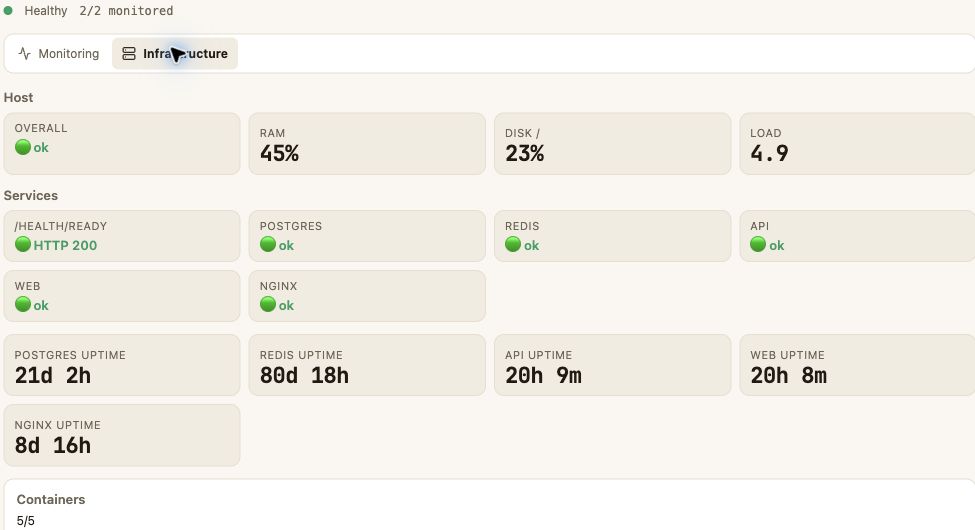
Connect a backend endpoint, active URL checks or passive heartbeat. The panel notifies you on thresholds or loss of contact.

01
Custom metricsKPI, charts and lists from your backend
02
Active monitoringAvailability checks for public URLs
03
Passive monitoringHeartbeat and status from your agent
04
NotificationsIn-app · Web Push · Telegram
Always within reach

Your extension dashboard, wherever you work

Open the same product view in Chrome, on the web or as an installed PWA. Your projects and signals stay together.

Manual build
01

Chrome extension

Download it here for manual installation. CWS release is coming soon.

Available now
02

Web app

The full dashboard in any modern browser.

Available now
03

Installable PWA

Install the dashboard on desktop or mobile.

Native Android app – a dedicated mobile experience is next on the roadmap.
Coming next
More growth tools ahead

The panel is becoming the operating home for your extension

Plans are shown separately from the available product. Timing depends on validation and roadmap priorities.

Planned

Your own subdomain

Welcome and uninstall pages on your third-level address
Planned

Automatic landing page

A page built from CWS data with cross-links to your other extensions
Exploring

Feature Board

Requests, votes and planned / in progress / done statuses
Before you connect

What extension developers usually need to know

The basic lifecycle works without your own server. Advanced metrics and monitoring can be added when your product needs them.

Read the integration guide →
Can I track installs and uninstalls without a backend?

Yes. Ext Ops Panel hosts the welcome and uninstall pages, records their lifecycle events and shows them in the dashboard. You add the generated links and hooks to the extension.

What do I get beyond Chrome Web Store statistics?

You get first-party lifecycle events as they arrive, one history for installs, uninstalls and reinstalls, plus optional uninstall reasons and written feedback.

Does it work for one extension and for a portfolio?

Yes. Start with one extension for free, then use the portfolio view to scan daily changes and health across multiple projects.

Can I connect metrics from my own backend?

Yes. Advanced integrations can bring custom KPIs, active URL checks and passive heartbeat monitoring into the same product view.

Where can I use Ext Ops Panel now?

The dashboard works on the web and as an installable PWA. A Chrome extension is available as a manual build while its Chrome Web Store release is prepared; the native Android app is on the roadmap.

Chrome extension

Install the current Chrome build manually

Use the extension today while the Chrome Web Store release is being prepared.

  1. 01Download the ZIP
  2. 02Unpack the archive
  3. 03Choose “Load unpacked” in Chrome
The full lifecycle in one place

Start seeing installs, uninstalls and feedback as one story

Connect one extension, configure the pages and get your first events in a clear dashboard.

No backend requiredFree for one extension