Do I need to publish the extension already?
No. You can create a draft listing without an ID in the Chrome Web Store. A published extension can also be added.
 Ext Ops Panel
Research similar products, prepare your store listing and launch pages for users. You can start with a draft before publishing the extension.
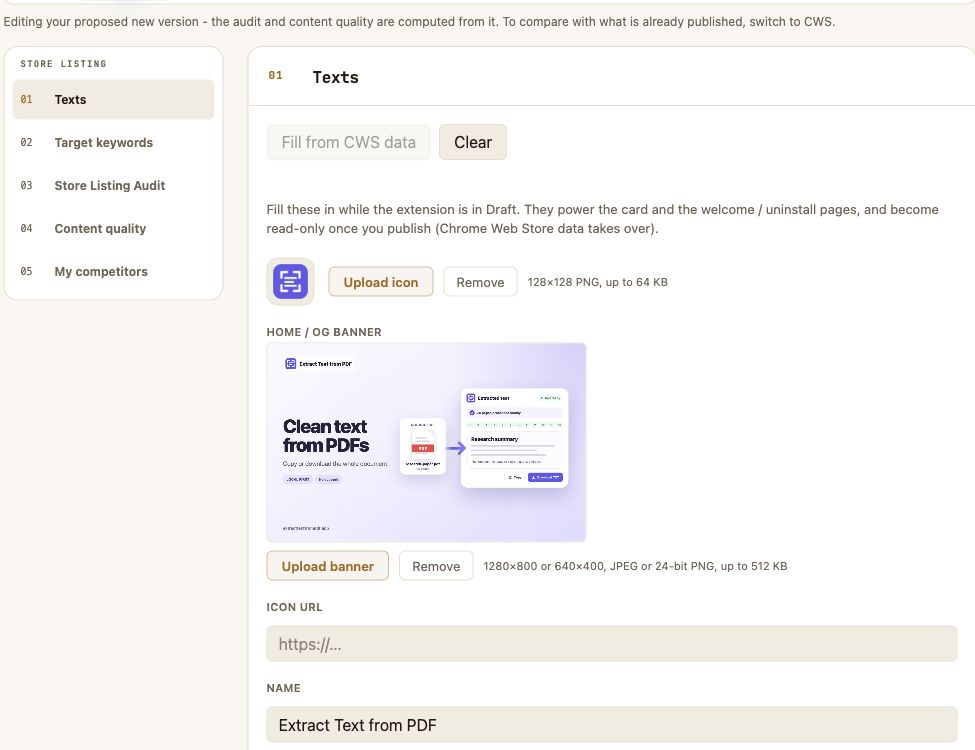
Find extensions that solve a similar problem, even when their listings use different words. Compare their audiences and store pages to position your product.
Explore the public catalog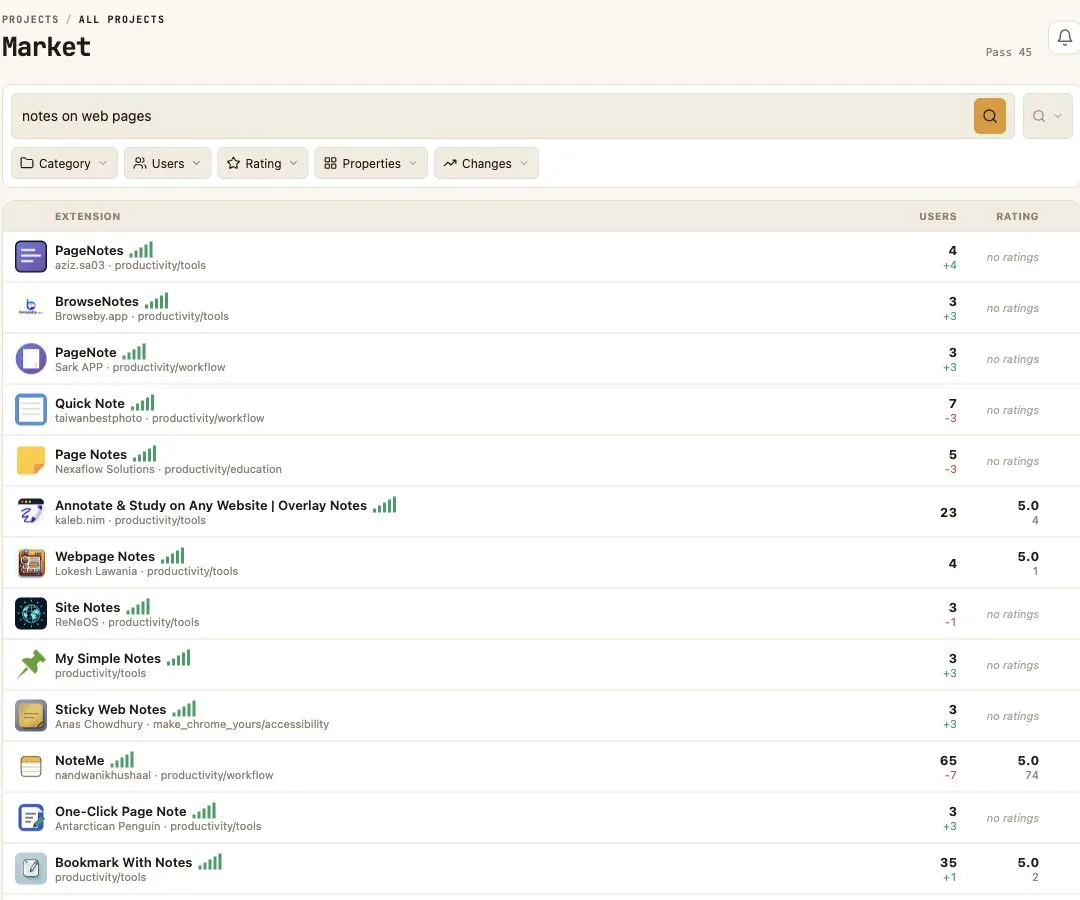
Market keeps the history of public Chrome Web Store data: changes in audience, ratings and listings. Similar extensions can reveal related use cases.
How to prepare a listing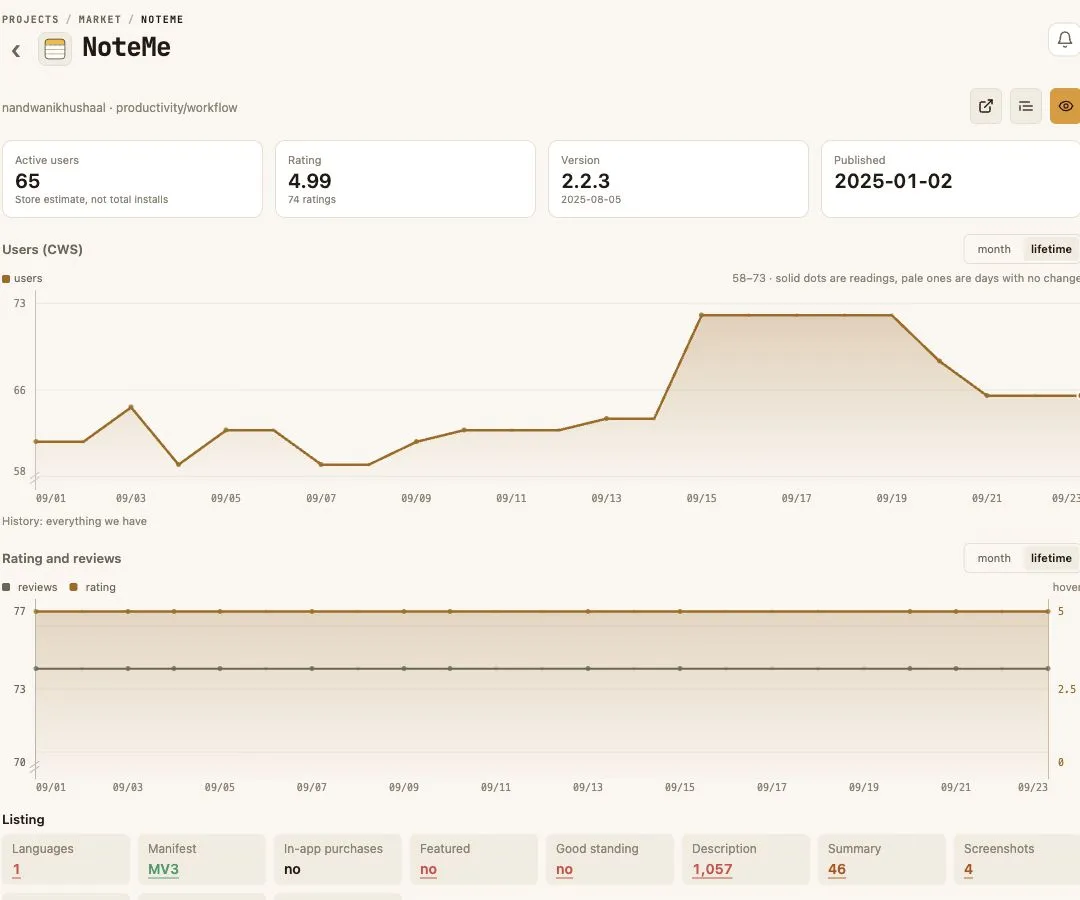
Add a name, description and target keywords. The listing audit explains what to improve before publishing in the Chrome Web Store.
Details about the listing audit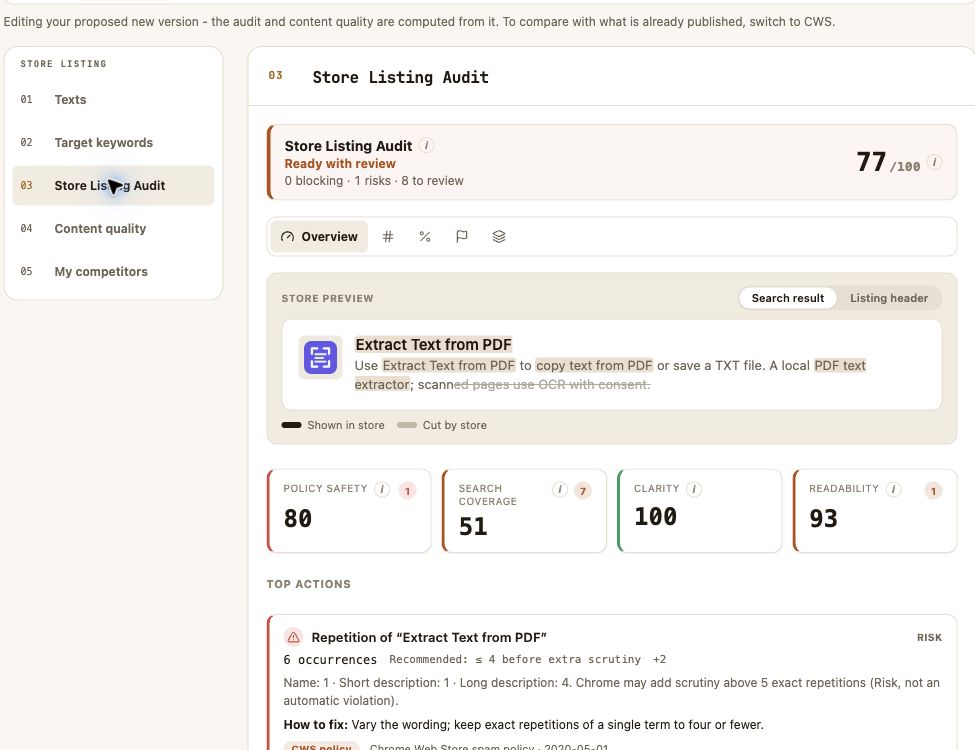
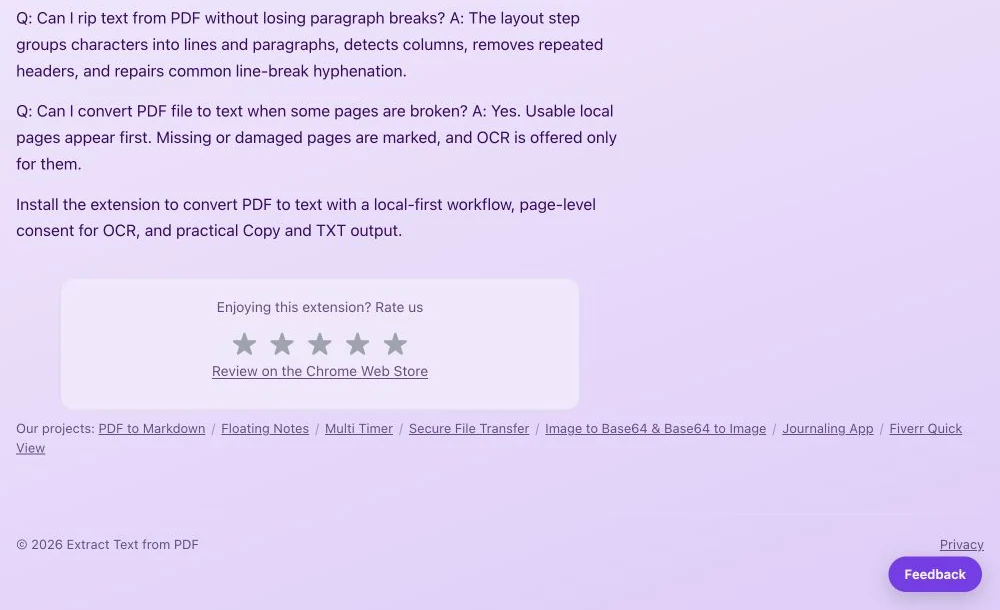
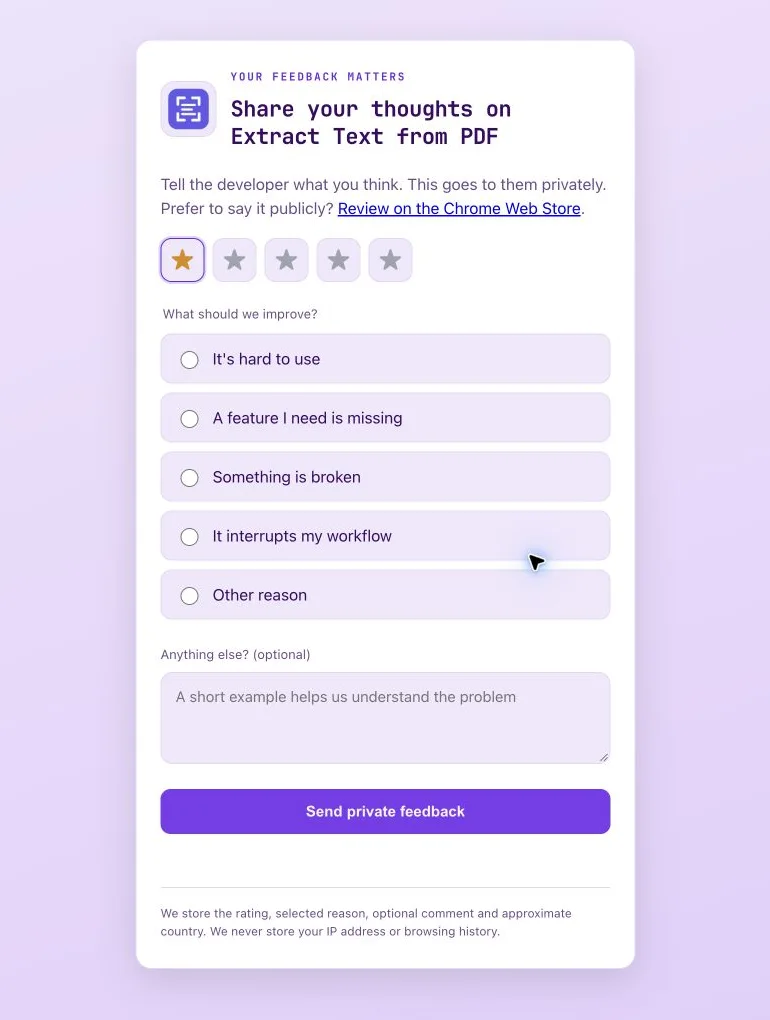
Home, welcome, uninstall, privacy policy and rating pages, shown with Extract Text from PDF.
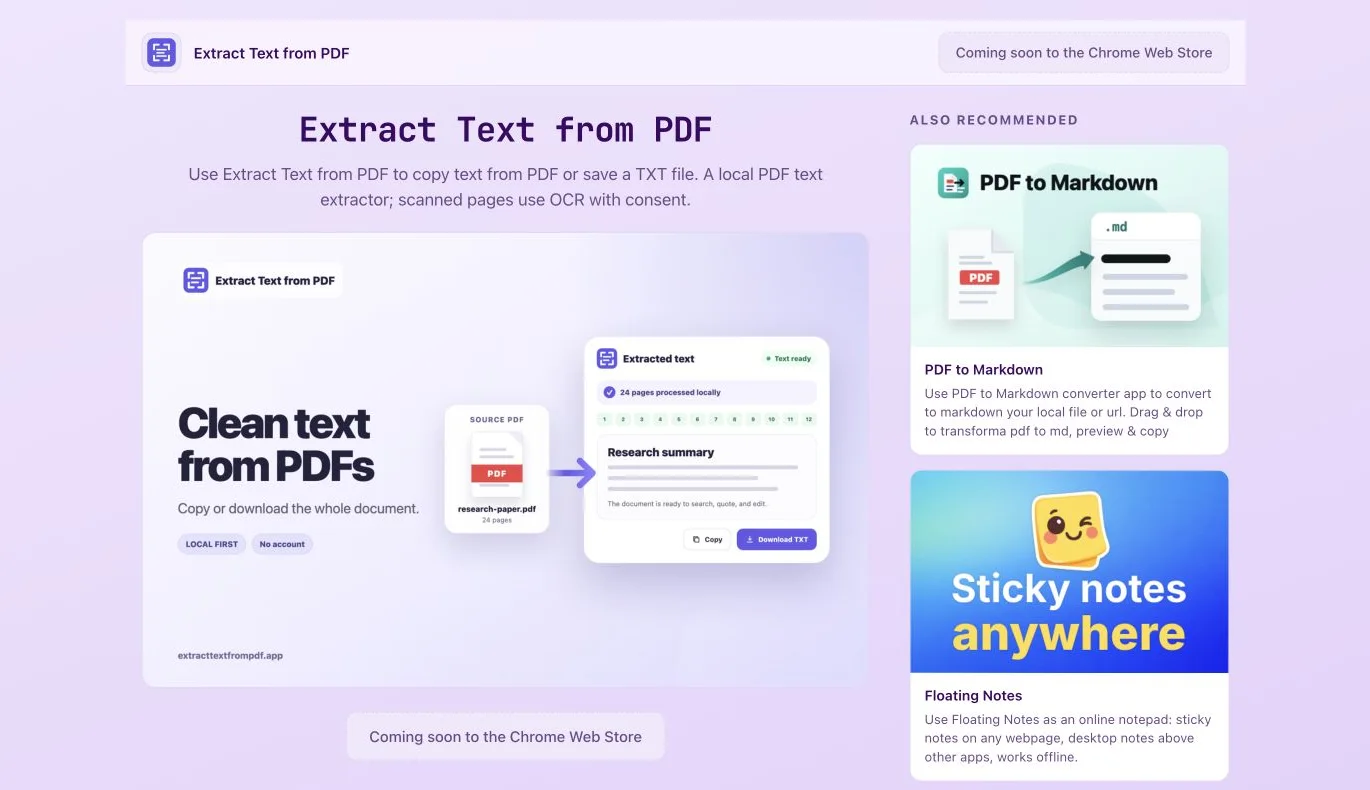
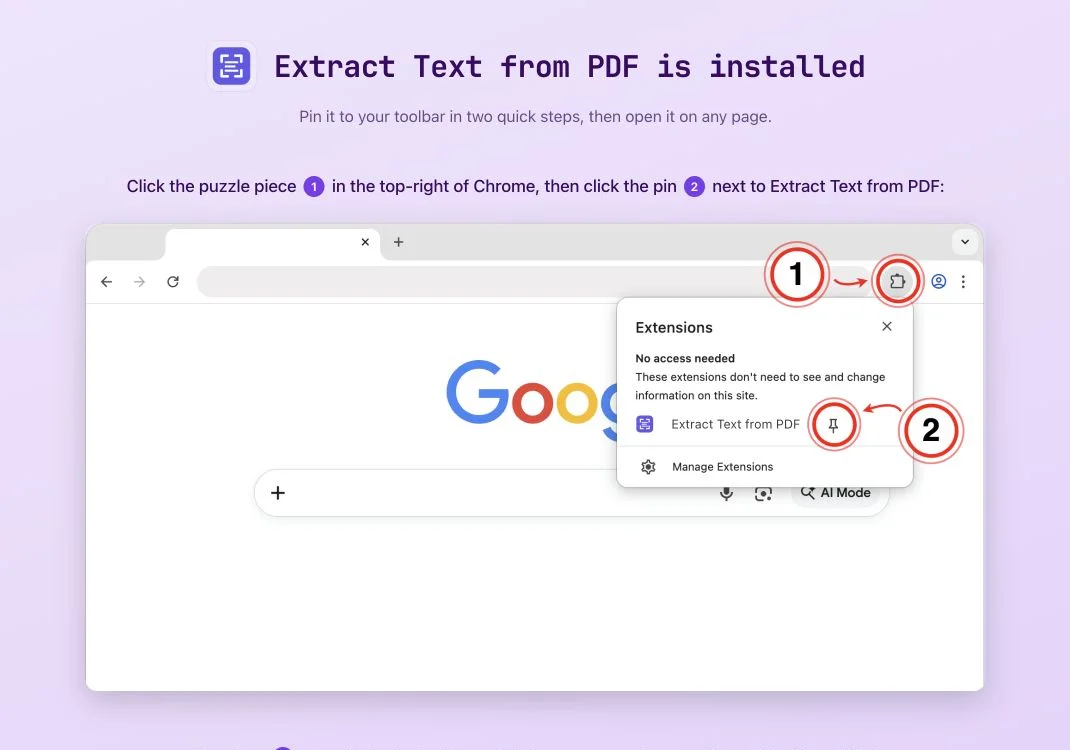
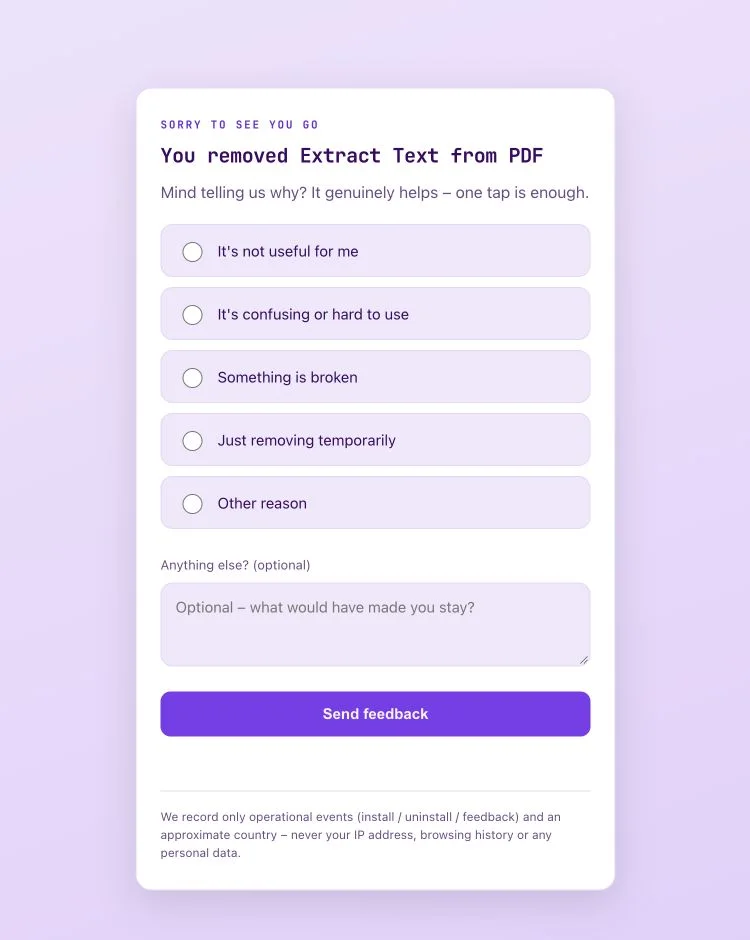
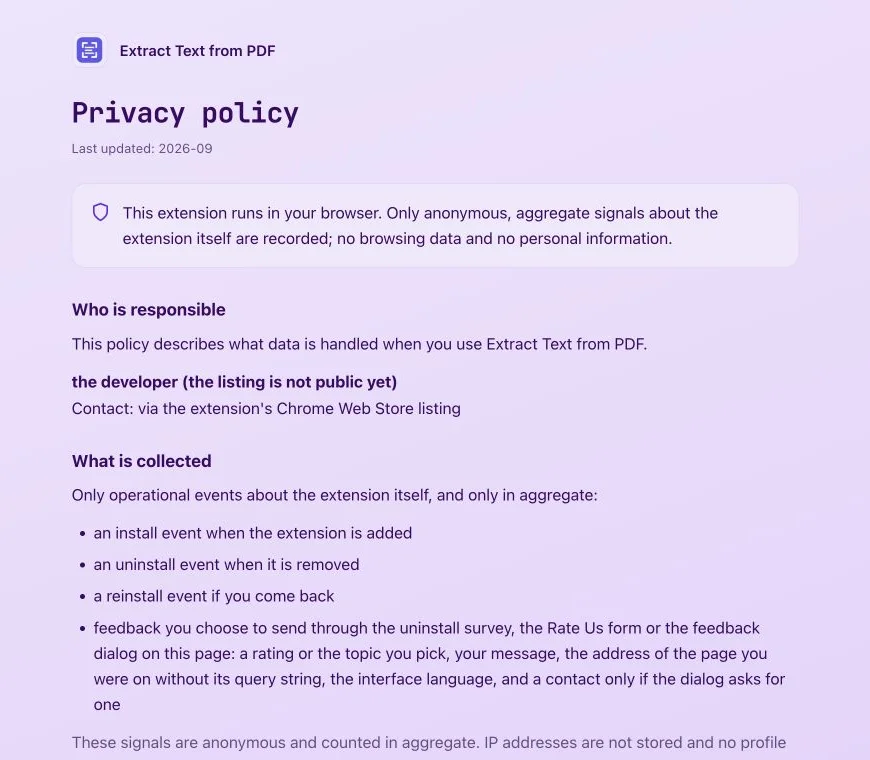
To record installs and uninstalls, set up the links and extension integration. Search indexing depends on the domain and publishing settings.
No. You can create a draft listing without an ID in the Chrome Web Store. A published extension can also be added.
It is not needed for basic hosted pages. To send events, you need to configure links and extension integration.
This depends on the domain and publishing settings. The standard generated link is not automatically indexed.
Create a project or add a published extension. Settings and statistics will be in one panel.